

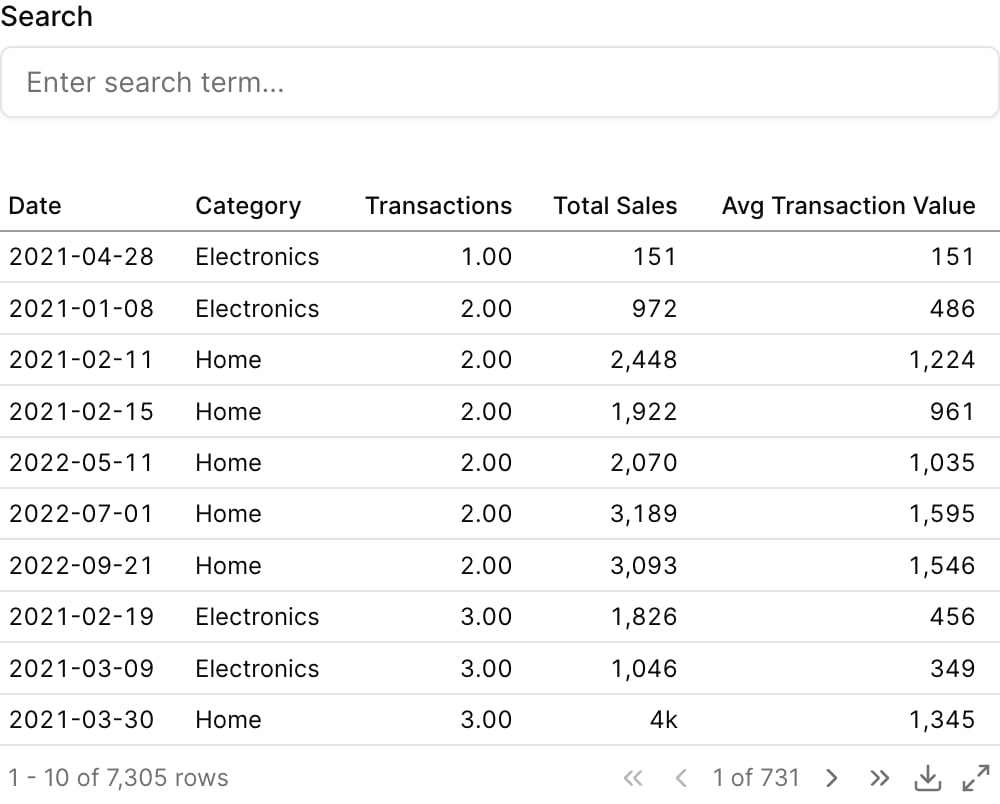
Examples
Using where
Using Inline SQL
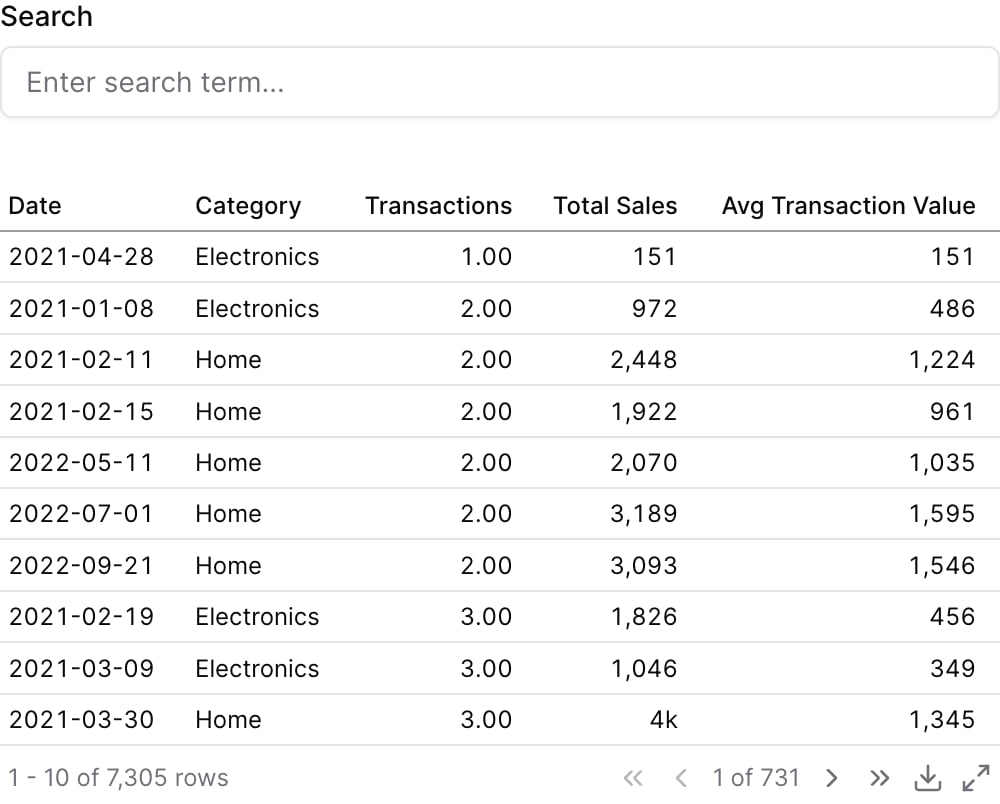
Attributes
Create a custom link title for the info link, placed after the info text (can only be used with info_link)
Icon to display in the input fieldAllowed values:
trending-uptrending-downclockcalendarcheckxinfoalert-circlehelp-circleeyeeye-offuseruserssettingscogplusminusupdownrightleftstarheartsearchfilefile-texthomemailfiltersharebelltrashcredit-cardglobekeycroissantmaprotaterewindbankreceiptactivitychart-columnchart-piechart-no-axes-combinedgoalrockettrophyapplecookiedonutbeefcakesouputensilsmilknutpyramidtrianglearrow-downarrow-leftarrow-rightarrow-upchevron-downchevron-leftchevron-rightchevron-upchevrons-downchevrons-leftchevrons-rightchevrons-upmenuexternal-linkcheck-circlex-circleedittrash-2copysavedownloaduploadsendrefreshredoundofolderfolder-openimagefile-imageuser-plususer-minususer-checklockunlocklog-inlog-outmessage-squaremessage-circlephonephone-callbell-offvideovideo-offplaypausestopskip-backskip-forwardvolumevolume-1volume-2volume-offvolume-xbookmarktaglinkunlinkshare-2alert-triangleloadermore-verticalmore-horizontalgridlistmaximizeminimizezoom-inzoom-outthumbs-upthumbs-downshopping-cartdollar-signcameraprintermonitorsmartphonelaptopcalculatorcloud-sun-rainsun-snowthermometer-sunthermometer-snowflakecloudycloud-rain-windcloud-rainwindsuncloud-snowthermometercloud-drizzlecloud-suncloudcloud-lightningsnowflakeflameatomfuelmagnetfactorytree-deciduouswaypointsplugdambattery
Using the Filter Variable
Reference this filter using{{filter_id}}. The value returned depends on where you use it.
Available Properties
You can also access specific properties using{{filter_id.property}}:
.value
Returns the text input value, escaped for safe use in SQL.search term