

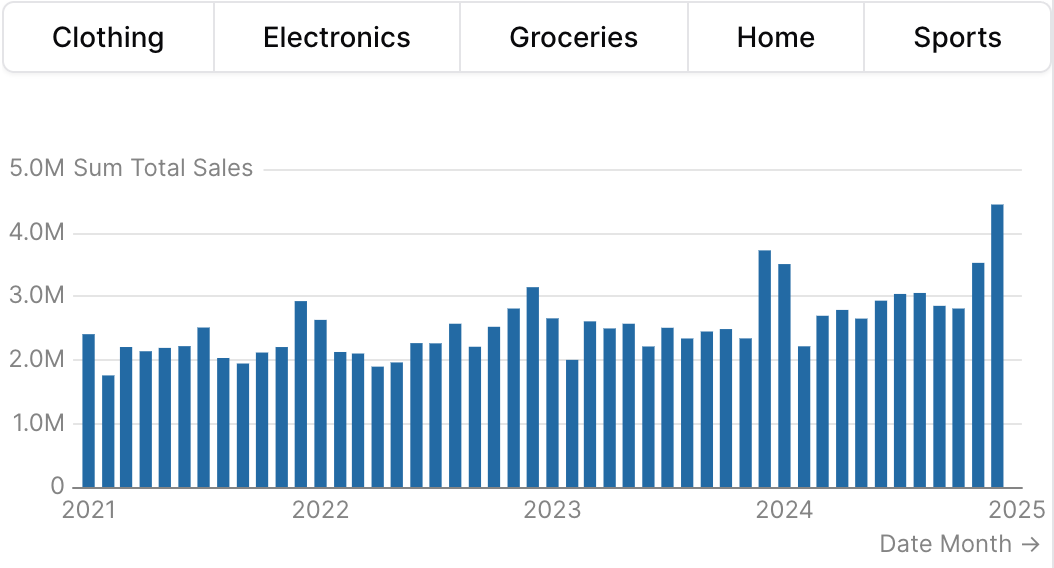
Examples
Using filters
Using where

Using Inline SQL
Vertical orientation inside a row
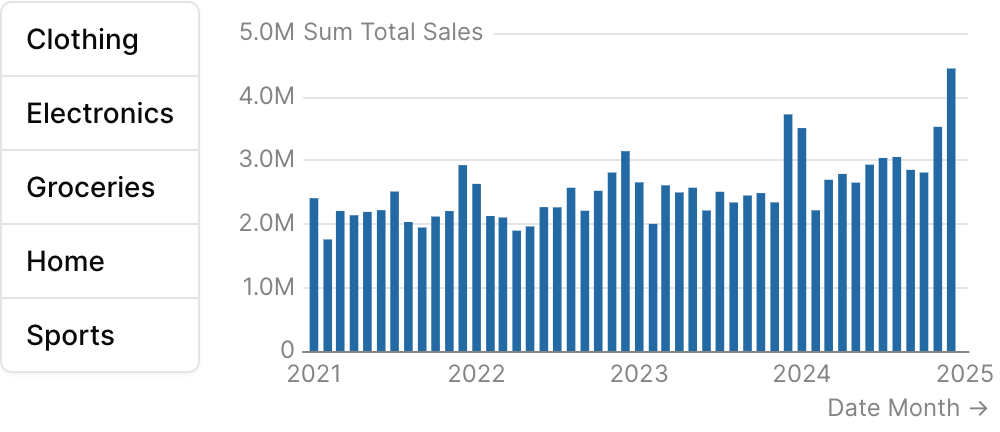
Attributes
Column name to use as the value for each option, and the column to filter by when this button group’s
id is used in the filters prop of a chartLayout direction of the button group. Use “vertical” to stack buttons in a column. Best paired with a sibling element inside a
row so the stack sits alongside its target content.Allowed values:horizontalvertical
Maximum height in pixels for the button stack when
orientation="vertical". Buttons scroll if the list overflows. Ignored when horizontal.Filter data to a time period. Attributes:
date_range is an OBJECT with range (the period) and optionally date (which column to filter on when the table has more than one). Shape: date_range={ range="last 12 months" date="order_date" }. range accepts predefined values (last 7 days, month to date), dynamic patterns (Last 90 days), custom windows (2020-01-01 to 2023-03-01), or partial ranges (from 2020-01-01, until 2023-03-01). Pass a plain string for range — the whole object is NOT a string.Example:- range:
string- Time period to filter. Use presets like ‘last 7 days’, dynamic patterns like ‘Last 90 days’, custom ranges like ‘2020-01-01 to 2023-03-01’, or partial ranges like ‘from 2020-01-01’.- Allowed values:
todayyesterdaylast 7 dayslast 30 dayslast 3 monthslast 6 monthslast 12 monthsprevious weekprevious monthprevious quarterprevious yearthis weekthis monththis quarterthis yearnext weeknext monthnext quarternext yearweek to datemonth to datequarter to dateyear to dateall time
- Allowed values:
- date:
string- Date column to filter on. Required when the data has multiple date columns.
Using the Filter Variable
Reference this filter using{{filter_id}}. The value returned depends on where you use it.
The examples below show values for three scenarios:
- No selection
- Single select: “Electronics” selected
- Multi select: “Sports” and “Home” selected (when
multiple=true)
Available Properties
You can also access specific properties using{{filter_id.property}}:
.filter
Returns a complete SQL filter expression ready to use in WHERE clauses. Returnstrue when no value is selected.